Transport
Some overseas apps and maps are restricted in China. Learn how to prepare an eSIM before you fly, get online on arrival, and set up maps and translation that actually work locally.
In China, access to some overseas services such as Google, YouTube, and Instagram may be restricted. Overseas map apps can also be less accurate on the ground.
So set up your internet before you fly, and pair it with map and translation apps that match local conditions. Here is the order that works.
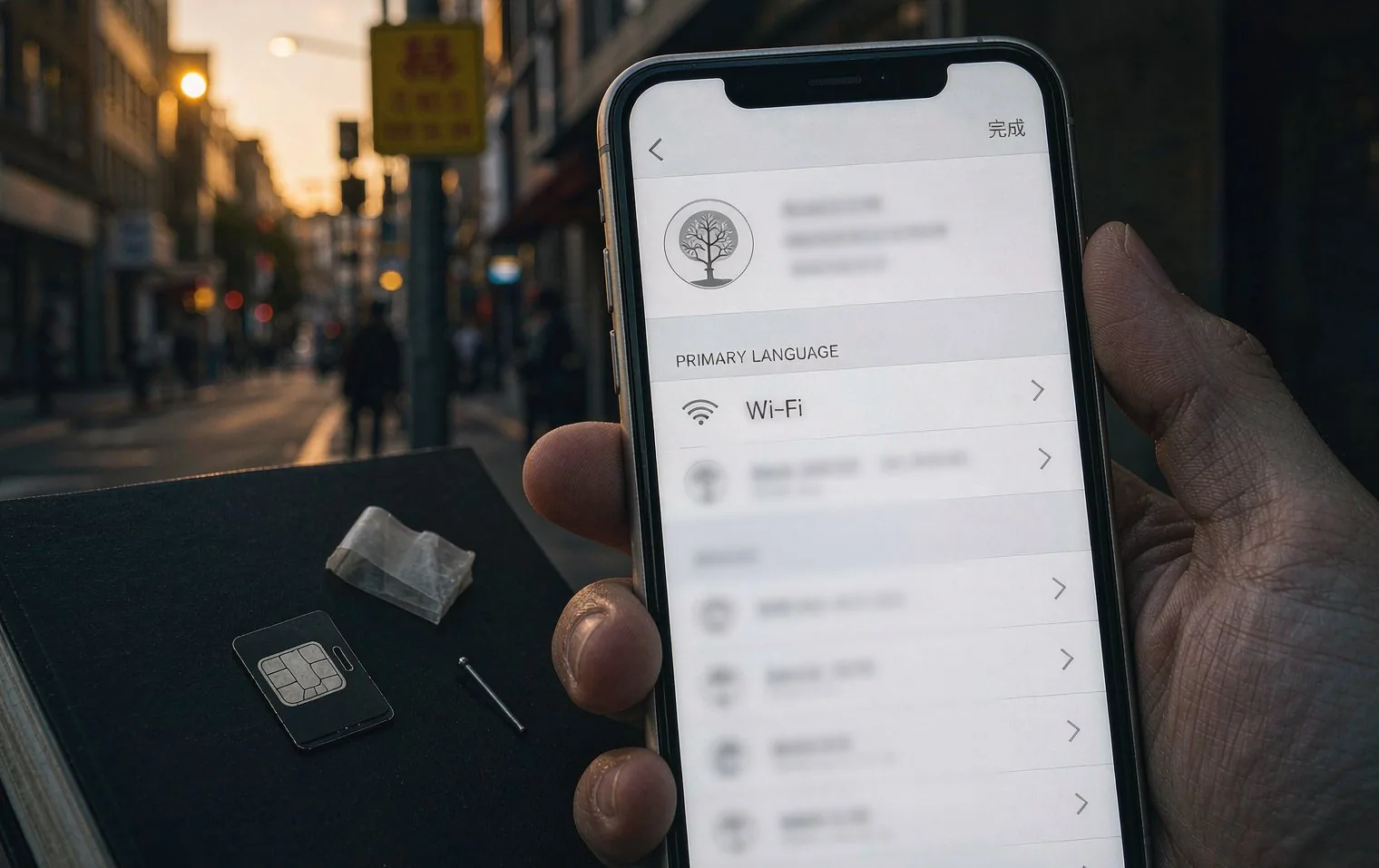
The easiest route is buying an eSIM in advance. Install it at home, then switch on data once you land in China.
It is simpler than swapping a physical SIM and keeps your home number active.
| Option | Pros | Notes |
|---|---|---|
| eSIM | Works on arrival, keeps your home number | Your device must support eSIM. |
| Local SIM | Gives you a local number | Activation can take time. |
| Roaming | Simple to set up | Can be expensive. |
Some overseas services, including Google, YouTube, and Instagram, may be restricted locally. If you need them, check the conditions in advance.
Restrictions can vary by time and region, so reconfirm the latest information before departure.
Airport Wi-Fi can be unreliable, so set everything up beforehand.
Telecom conditions change, so reconfirm plans and terms before you go.
Last updated: 2026-10-13 · 이동
Overseas map apps may lack local detail or be restricted. We recommend adding a locally popular map app.
An eSIM is convenient if you want to be online on arrival and keep your home number. Roaming is simpler to set up if that is your priority.
Install it before you fly, then switch on data when you land. Airport Wi-Fi can be unreliable.
It helps for contacting local guides and hotels and for payments. Not essential, but handy to have.
Always re-check the latest conditions on the official sites before you travel.
Message us on WhatsApp or email with the basics and your dedicated planner will send a draft itinerary and estimate within 24 hours.
There is no form here. Use the channels below and your dedicated planner will reply personally.